Present visual services
Show how projection mapping, audiovisual systems and immersive environments could be introduced through a more expressive company website.
Light, motion and a little curiosity.
A scroll-driven website experiment with projection-mapping visuals, animated service cards and an interactive 3D work gallery.
Go on. Take a look around ↗
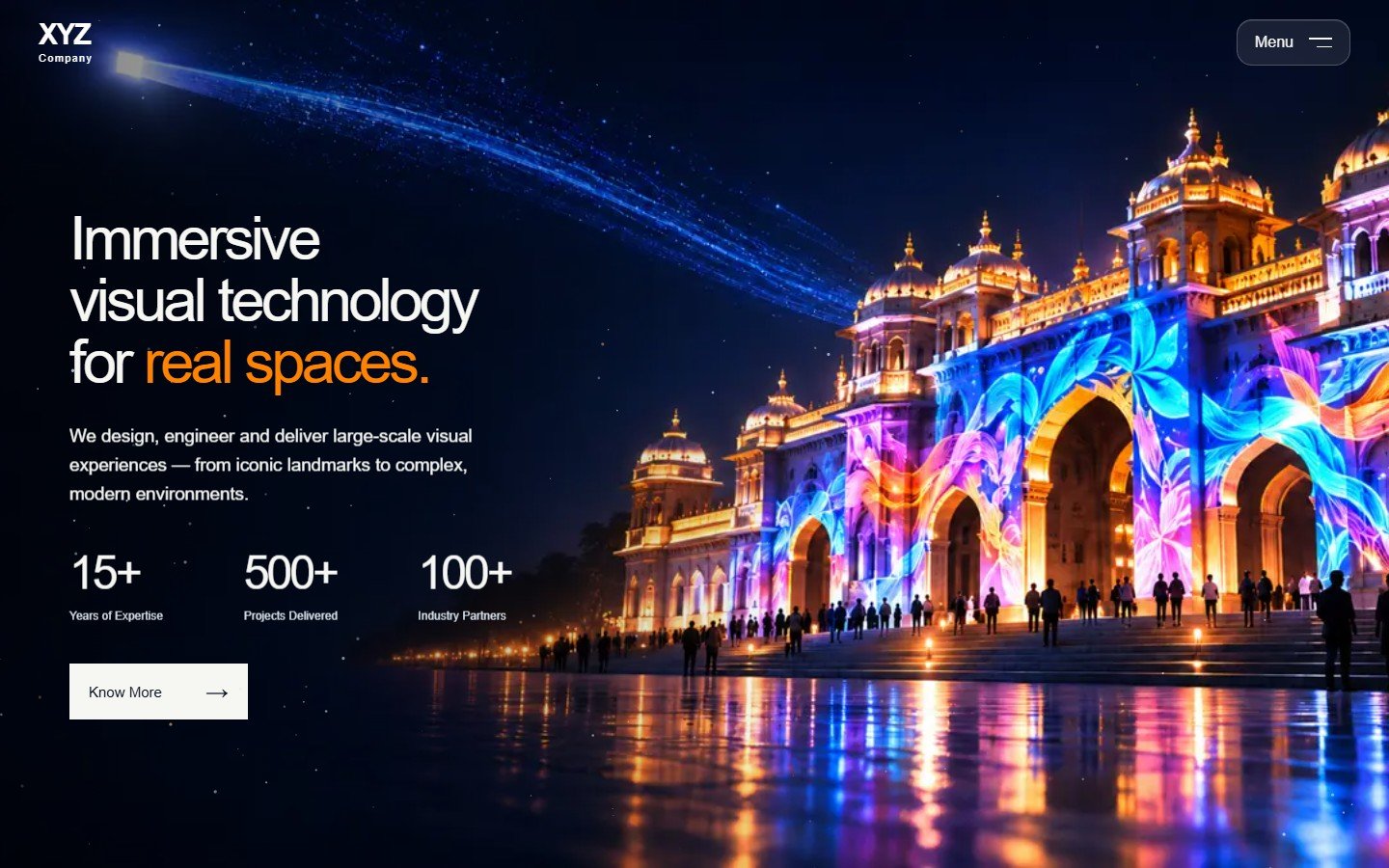
Watch the opening sequence give way to a layered introduction.
Open the live demo ↗The question behind the experiment
Can scrolling turn a company website into an experience of light, space and motion?
Immersive visual work is difficult to convey with a conventional list of services. This prototype explores a continuous story: an architectural image sequence leads into an introduction, animated service cards and a 3D gallery, all controlled by the visitor’s scroll.
XYZ Company is a demo brand. Gallery projects are fictional and use placeholder photos; introduction figures are sample content. The supplied prototype includes reference imagery and service links from EDS India. These are not Oviyas client-work claims.
From a first look to a better decision
Show how projection mapping, audiovisual systems and immersive environments could be introduced through a more expressive company website.
Try the pacing, transitions and gallery interaction before committing to a full website design and production build.
Compare a motion-led presentation with a reduced-motion version and identify where visitors need clearer navigation or context.
Try a different perspective
Control a 230-frame image sequence with animated typography and an architectural projection-mapping backdrop.
Move into a layered introduction, animated counters and a dialog with more context.
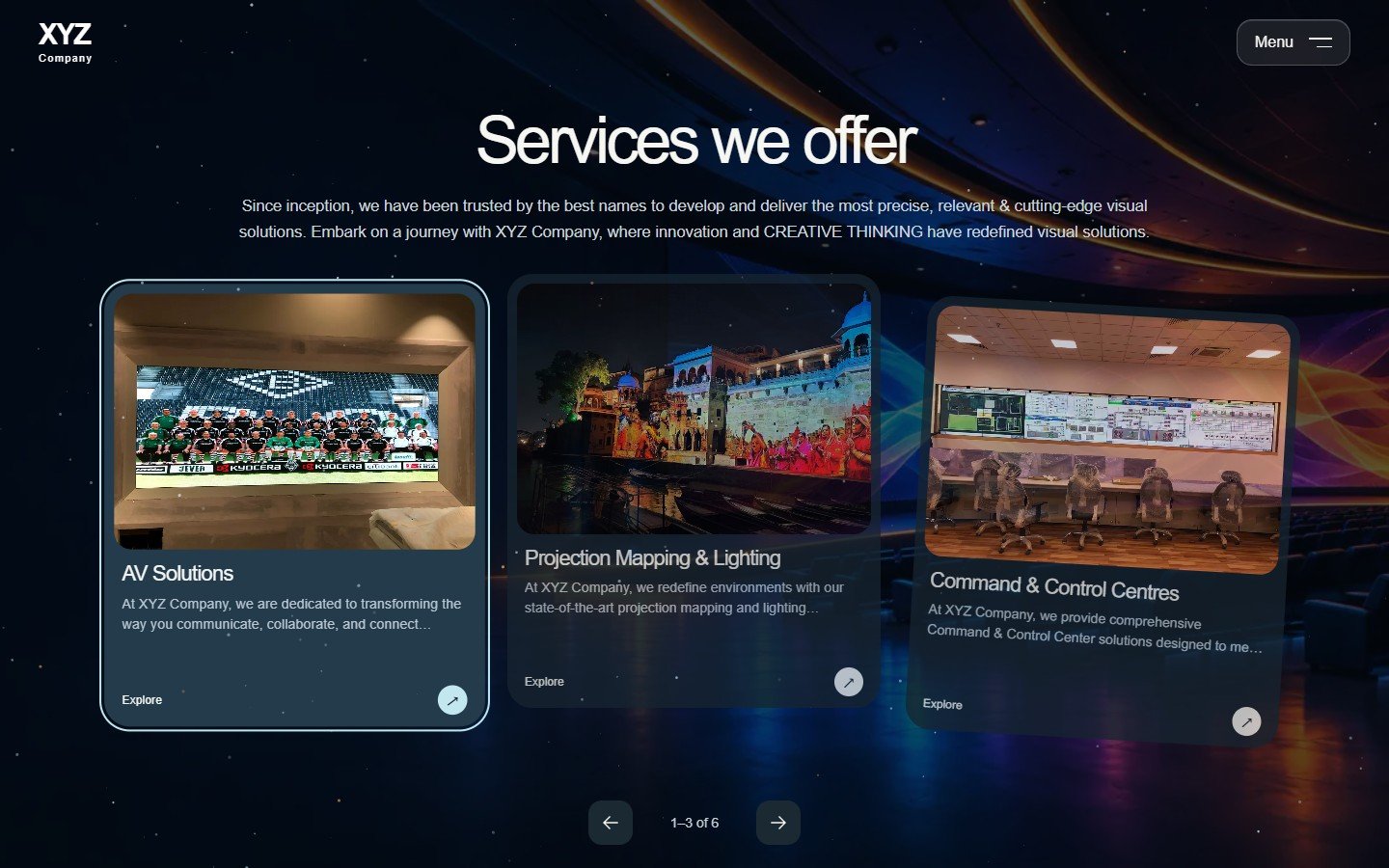
Explore six service cards with changing backgrounds, group controls and a burn-style transition.
Continue into an interactive WebGL gallery with camera movement, project cards and lighting effects.
From the first sketch to the screen
A local frame manifest maps scrolling to optimized WebP images, while a bounded cache limits the number of decoded frames held in memory.
GSAP timelines and scroll progress coordinate the introduction, service reveals and the transition into the work gallery.
The embedded WebGL scene receives scroll progress through same-origin messages and sends wheel input back to the host page.
Local scripts, images, fonts, shaders and models keep the prototype deployable without a framework build or backend.
What went into the mix
The tools that connect image sequences, layered transitions and a 3D gallery into one scrolling website.
Every experiment opens another door
Possible improvements for the next version, shaped by real use and feedback.
Use approved company copy, verified figures and licensed project imagery in place of the sample brand and placeholder work.
Build the remaining sections and replace sample contact details and external reference links with the intended destinations.
Measure frame decoding, gallery rendering and touch scrolling on lower-powered phones, then tune quality and loading.
Observe how visitors find services and projects, refine keyboard access and improve the reduced-motion experience.